

How to create a Chengdu 23 app on your mobile device (no download needed!)
[Jump to Android Instructions]
Here are the steps to add Chengdu 23 to your iPhone Home Screen
1. Use the Safari browser and go to our homepage: https://www.chengdu23.com/
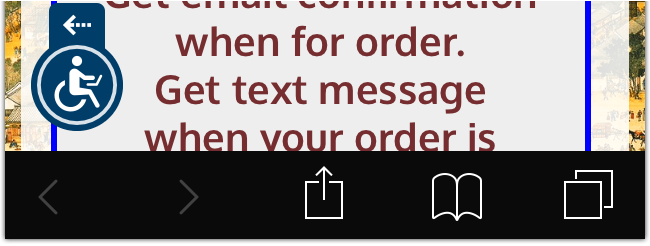
2. Use the Share icon ([^] in the center) to access the Share options panel
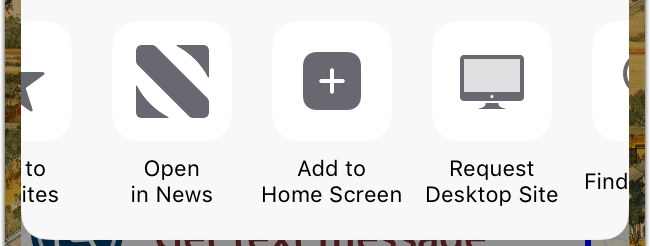
3. Scroll over to [+] for Add to Home Screen
4. Click on “Add”
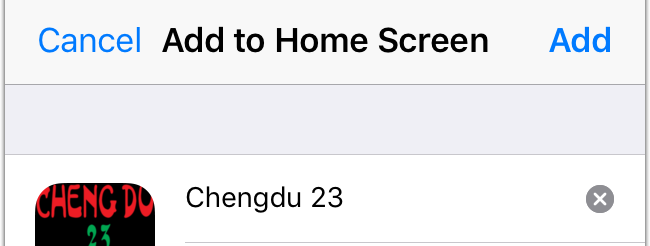
5. Move the icon for best placement
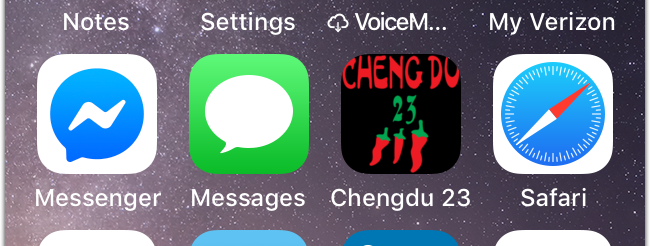
6. Launch like any other app and have a clean interface!

Here are the steps to add Chengdu 23 to your Android Home Screen
1. Use the Chrome browser and go to our homepage: https://www.chengdu23.com/
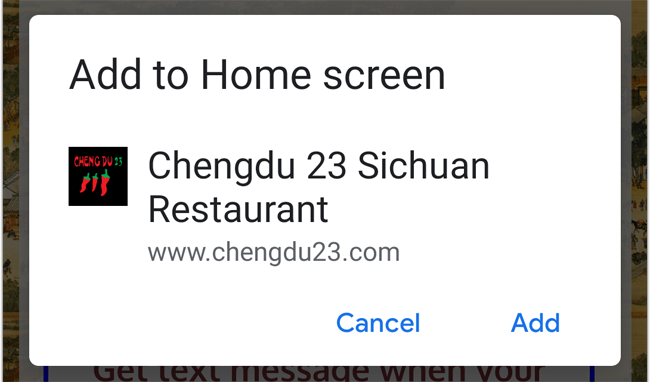
2. A popup prompt should appear and ask if you want to Add to Home Screen
3. Alternate method part 1: use the 3 vertical dots in the top right corner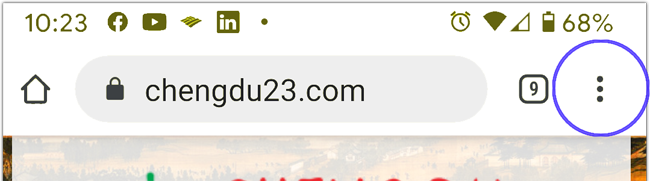
4. Alternate method part 2: on the dropdown menu click on Add to Home Screen
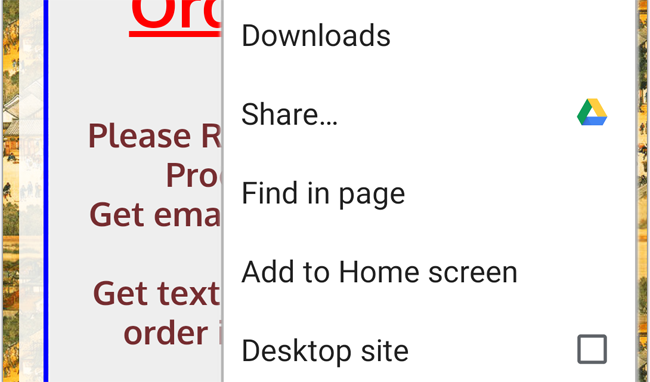
5. Edit name if you wish and then click on “Add, Add automatically” or use the option “Touch & hold to place manually”
6. Move the icon for best placement
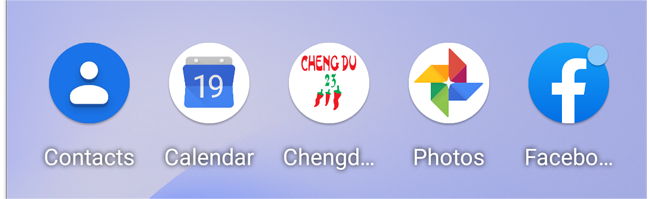
7. Launch like any other app and have a clean interface!